The engine
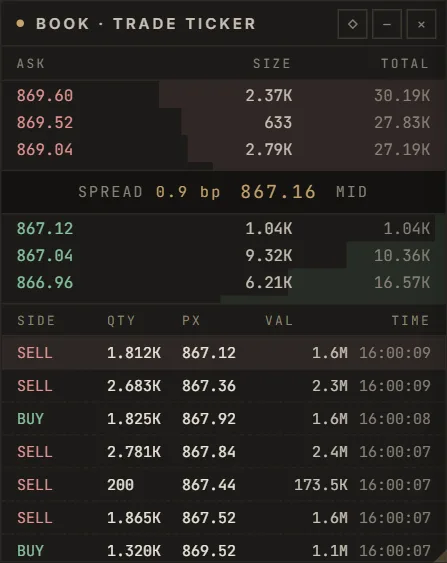
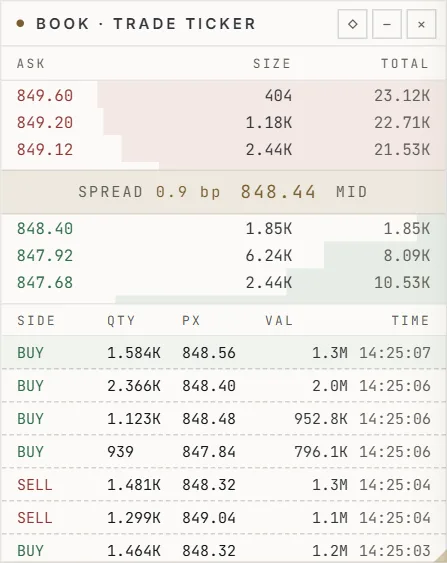
An order book in integer ticks with its own memory allocator, a wait-free ring buffer from feed to strategy, streaming statistics in constant time and an options pricer — written in C++ and bound to Python.
SwiftTrade
Deon BerishaTrader since 2020
2009Born in Vaduz
I was born in Vaduz in 2009, with family roots in Pristina. For as long as I can remember, finance was where I wanted to build something of my own.
10First programs
At ten I wrote my first programs — C, then C++. Later came Python, and the software that runs behind the markets.
11First trades
At eleven I placed my first trades. I have traded my own account ever since.
6Years of trading
Six years of trading taught me two things. The best tools in finance are built for institutions — and priced for them. And everything else is scattered across a dozen windows.
IdeaLeaner · more affordable
So the idea took shape: something like Bloomberg — everything in one place — but leaner, faster to work with, and priced for people who trade for themselves.
17SwiftTrade
Now I am seventeen, in the DigiBiz class at HAK Feldkirch — and the idea has a name. SwiftTrade: the software I always wanted, built by me.
NextLaunch · capital for others
Next comes the launch. And one day I also want to trade for others — once SwiftTrade holds the licence that requires.
“I want to build something that can eventually stand alongside the world's most sophisticated financial technology.”
Deon Berisha · Founder, SwiftTrade
Born in Vaduz, Liechtenstein.
First programs, in C and C++.
First trades — and trading my own account ever since.
SwiftTrade founded on 24 October, at sixteen.
The software takes shape — in development, running on paper.
Trading for others one day — only with the licence that requires.
Why SwiftTrade exists
The problem
Trading my own account meant a chart in one application and the order book in another. News in a browser tab, risk in a spreadsheet, backtests in a notebook, the broker somewhere else — each with its own login and its own bill.
Each tool was good on its own. Together they were friction: the chart never knew the position, the risk sheet never saw the order, and nothing remembered why a trade was made.
The idea
The idea: a terminal in the spirit of Bloomberg — the chart, the order book, the news, the risk and the research in one window, sharing the same data — but leaner, faster to work with, and priced for people who trade for themselves.
From an order book written in C++ to the window you trade in. Every layer is labelled for what it is today — no roadmap dressed up as a product.
AvailableBuilding
Counted live on this server. “—” means the figure is not available to you right now.
An order book in integer ticks with its own memory allocator, a wait-free ring buffer from feed to strategy, streaming statistics in constant time and an options pricer — written in C++ and bound to Python.
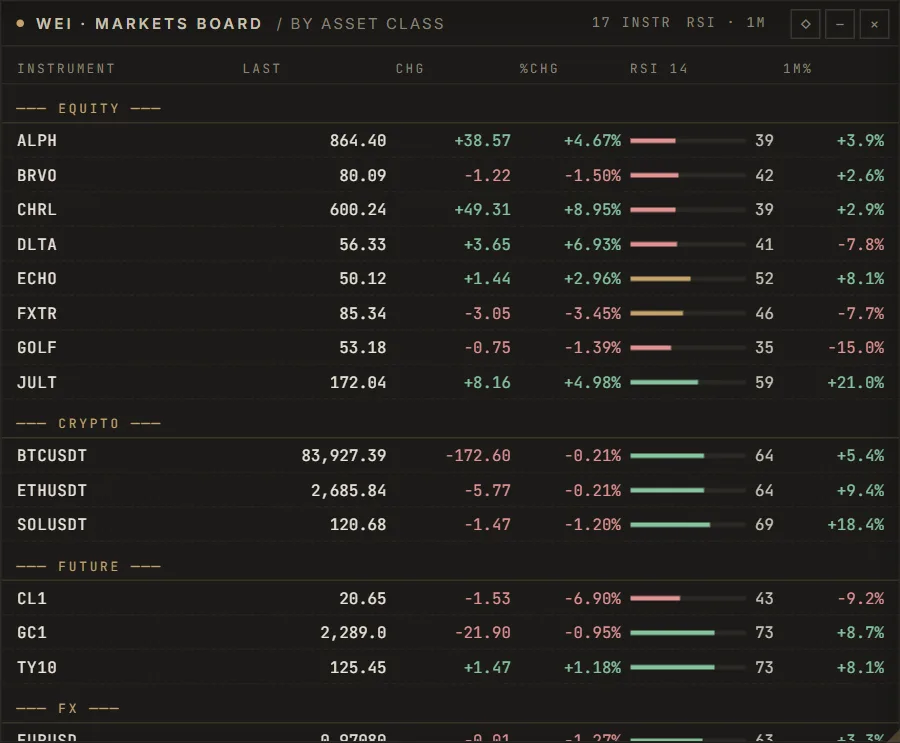
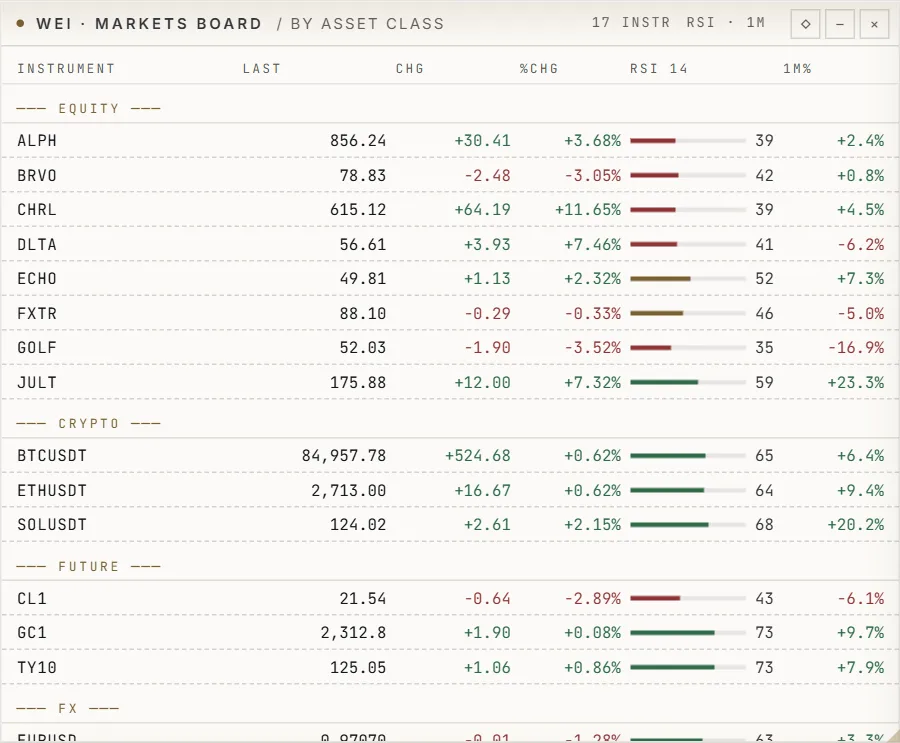
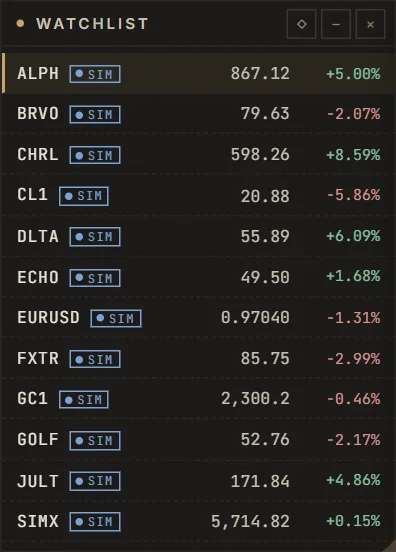
Live crypto markets from Binance, a market simulator for everything else — always marked SIM — and a Parquet data lake with quality reports.
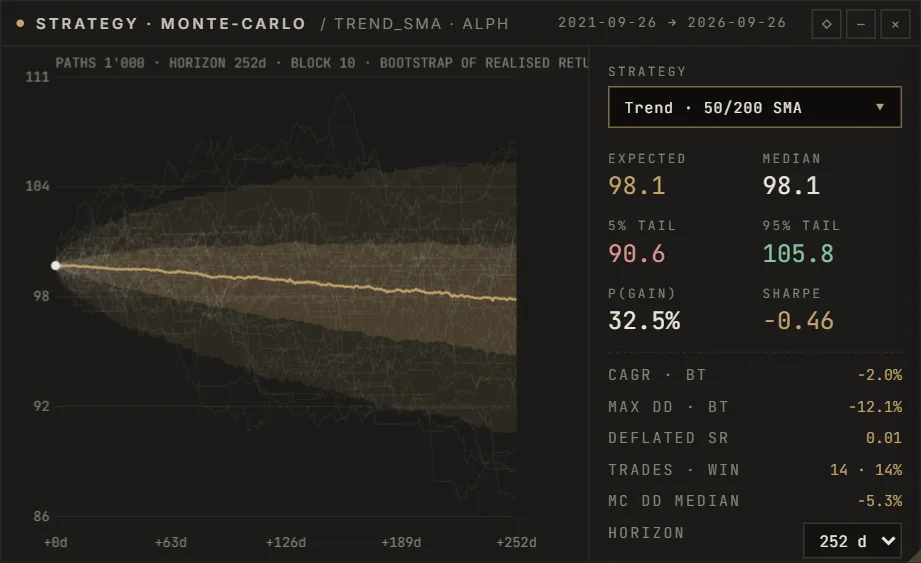
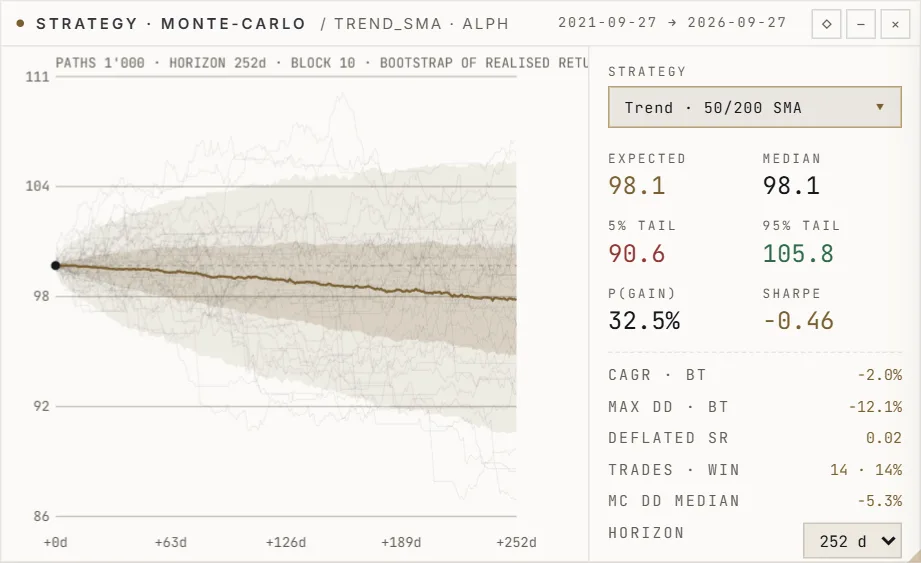
Event-driven backtests through the live cost and risk models, walk-forward validation, Monte-Carlo cones and a registry that keeps every experiment.
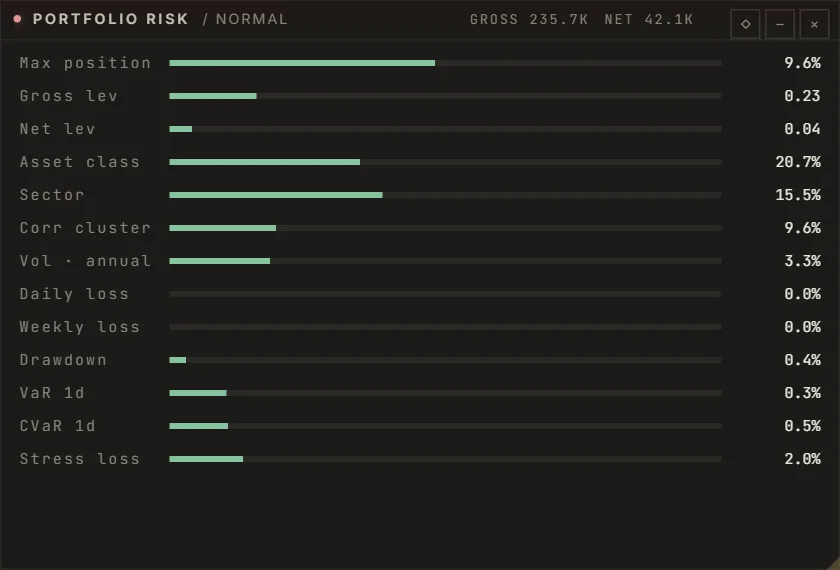
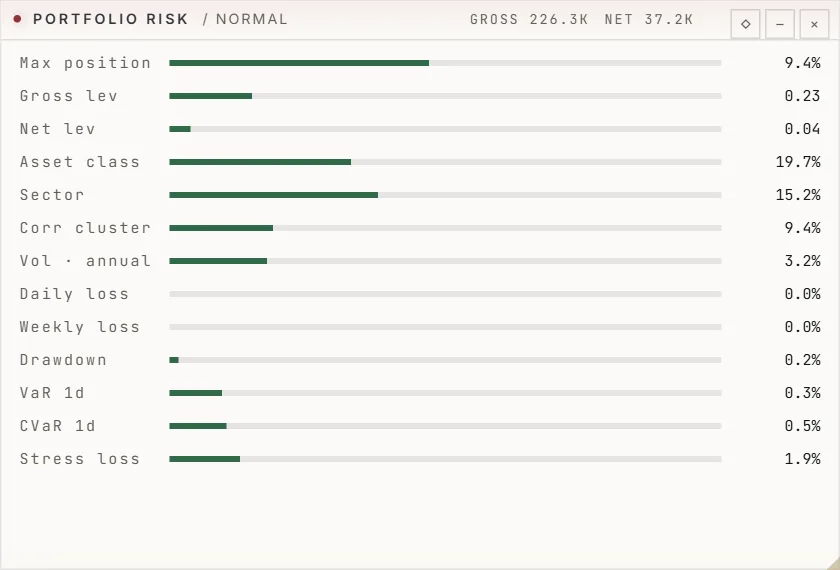
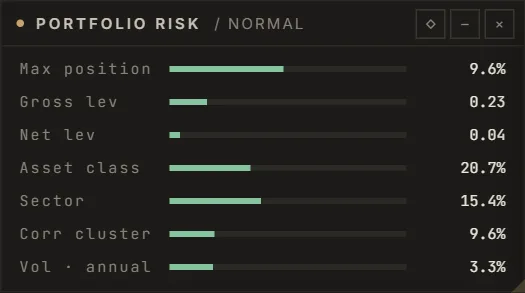
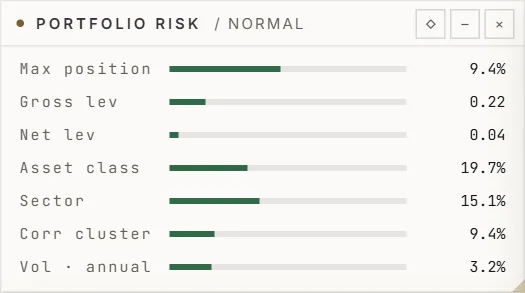
Pre-trade limits on every order, VaR and CVaR, stress scenarios, and a kill switch that only a named person can reset.
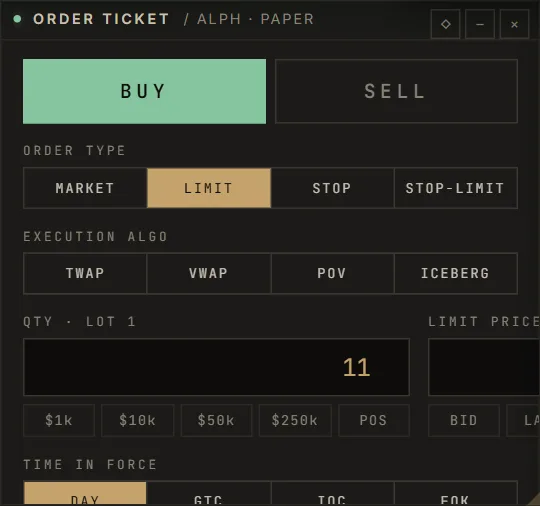
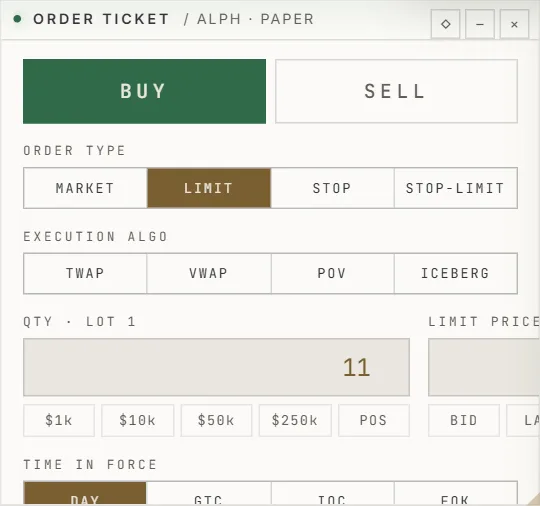
An order management system with paper trading and TWAP, VWAP, POV and iceberg orders. Live broker execution is being built — and stays locked until it is approved.
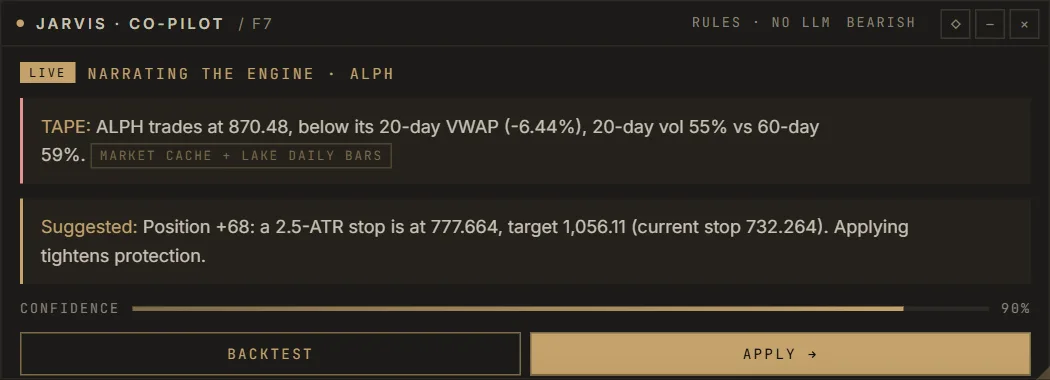
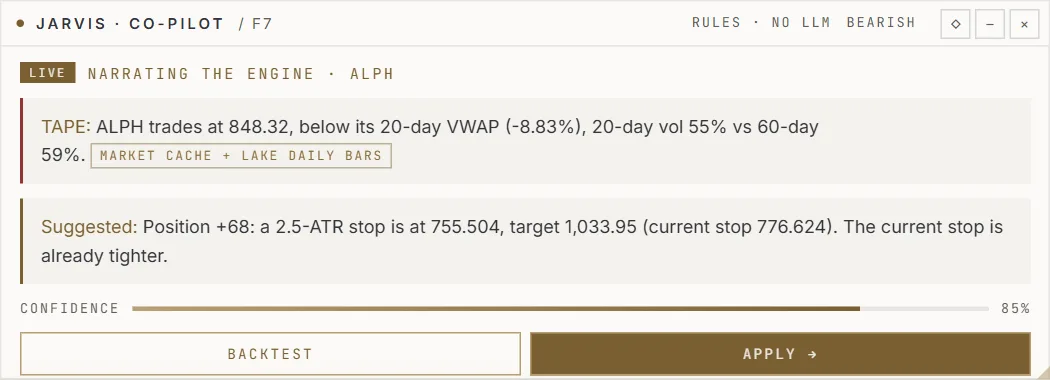
Reads the tape and explains it, naming its sources for every sentence. It can suggest. It never trades.
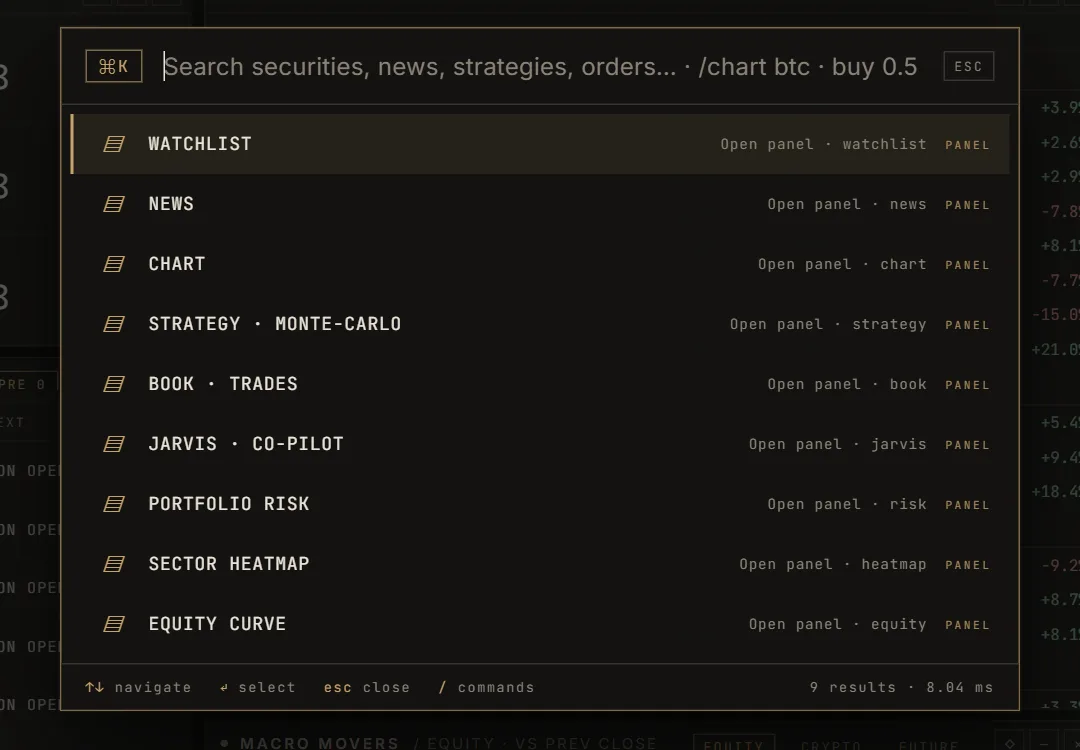
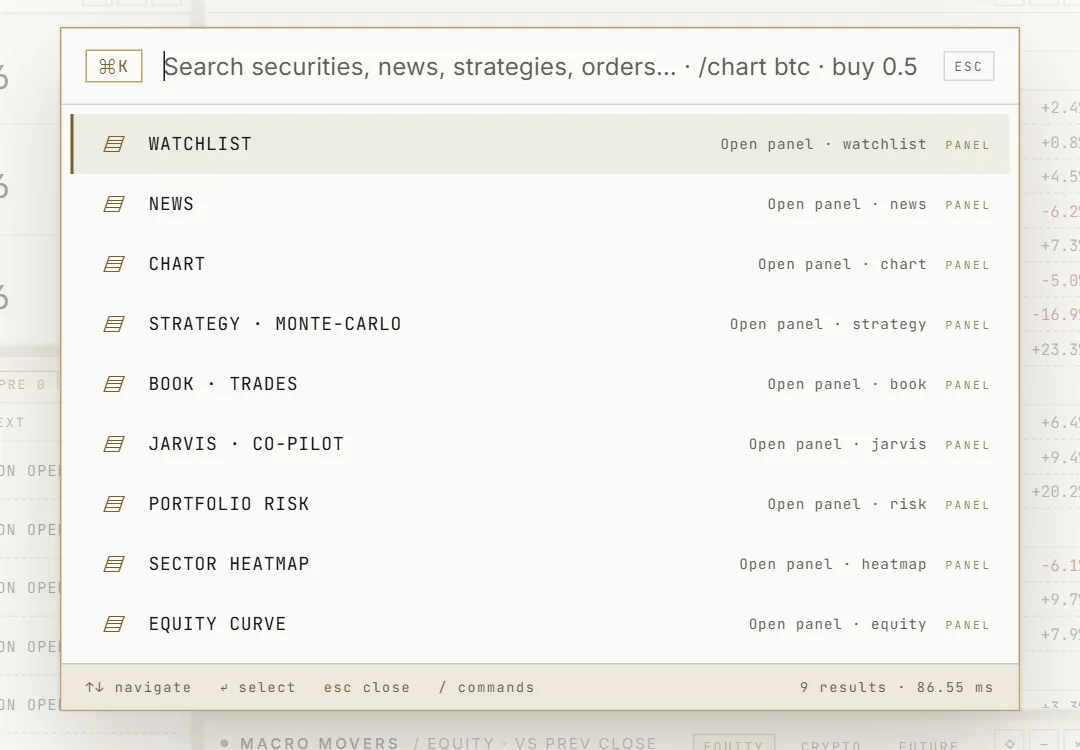
Forty-seven panels and eighteen desks in one window, driven from the keyboard — Ctrl + K reaches every instrument, panel and command.
Then the pieces had to become one product.
The terminal


SwiftTrade Terminal
Live market data, paper trading, research and risk — running on this server now.
01 · Charting
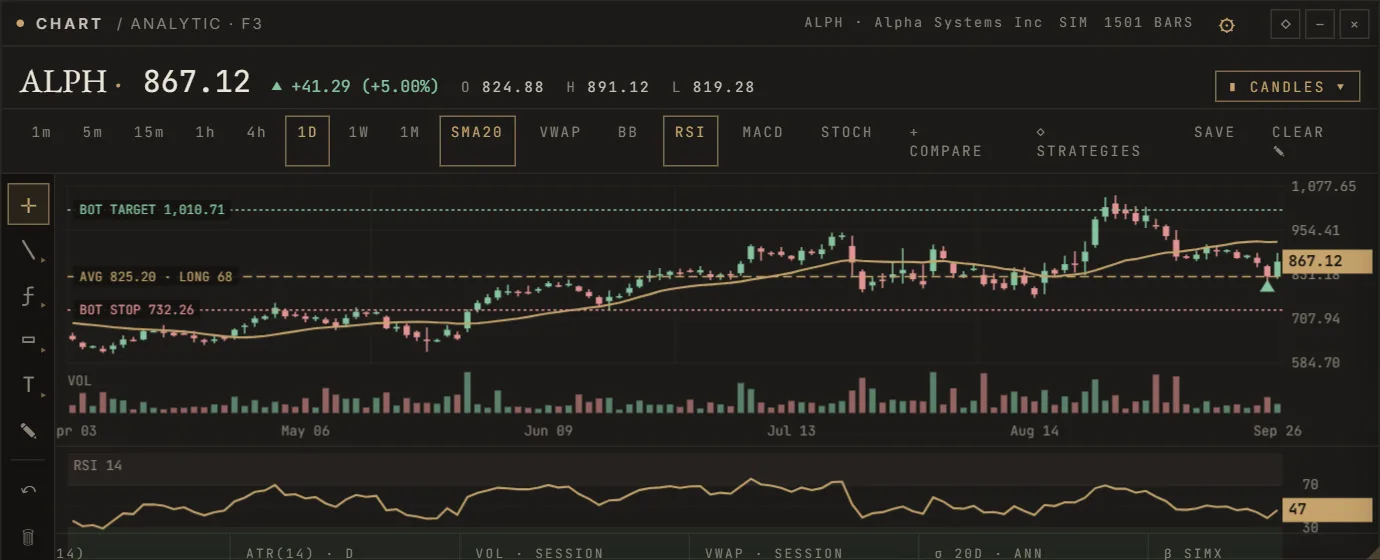
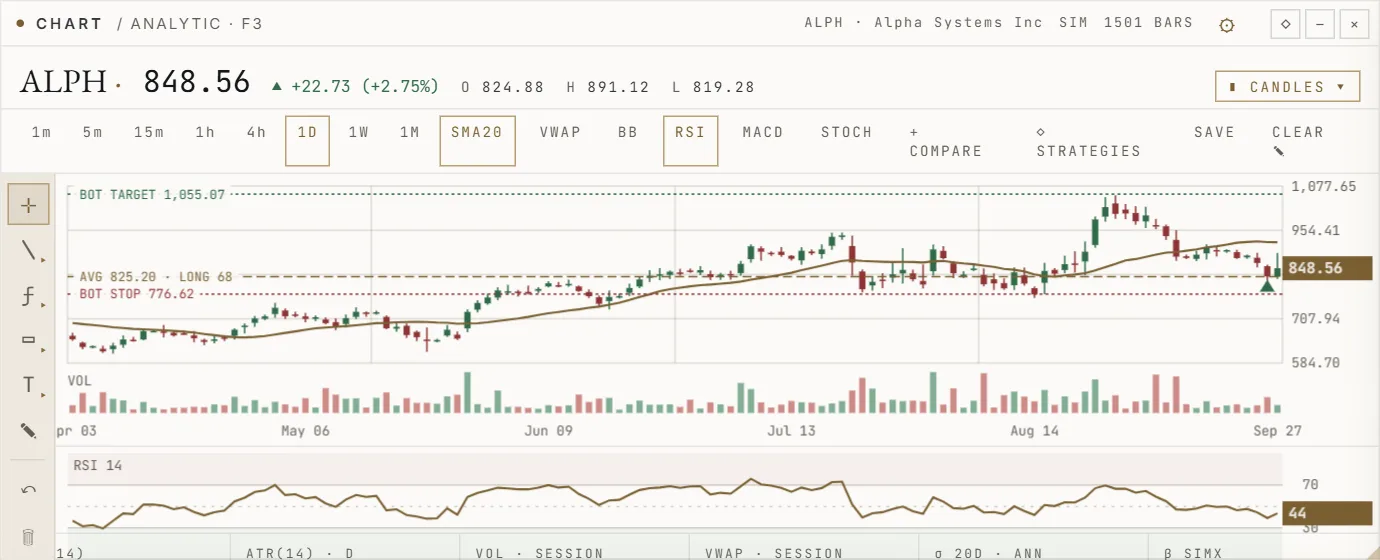
Your entry, the bot's stop and its target are drawn on the price itself, with volume, indicators and your own drawings beneath.
02 · Order flow
Resting liquidity as a heatmap, cumulative delta and the tape — from live venue data where it exists, from the simulator where it does not, and always labelled.
03 · Trading desk
Every order — paper today — passes the same pre-trade risk checks before it reaches the book.
04 · Research
Options chains with theoretical values, correlation across the book and Monte-Carlo cones for any strategy.
05 · Intelligence
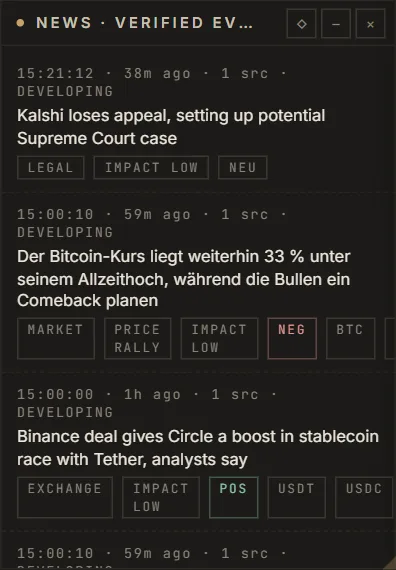
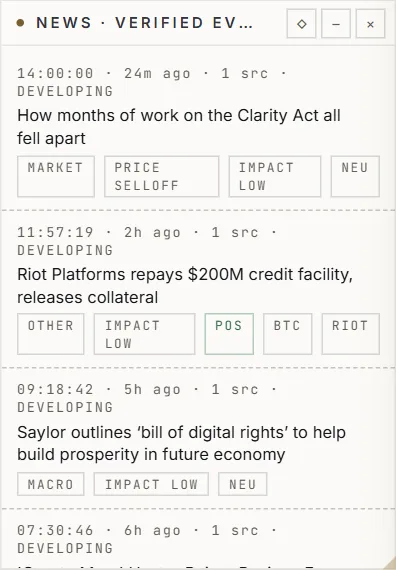
Verified events placed on a globe and a calendar, each with its source and confidence. News can lower risk; it can never place a trade.
06 · Markets
World clocks, market status, a markets board by asset class and the flows between them.
07 · Command
Ctrl + K reaches every instrument, panel, strategy and command. Function keys open the panels you use most.


Real captures of the SwiftTrade terminal on this server — simulated instruments are marked SIM.
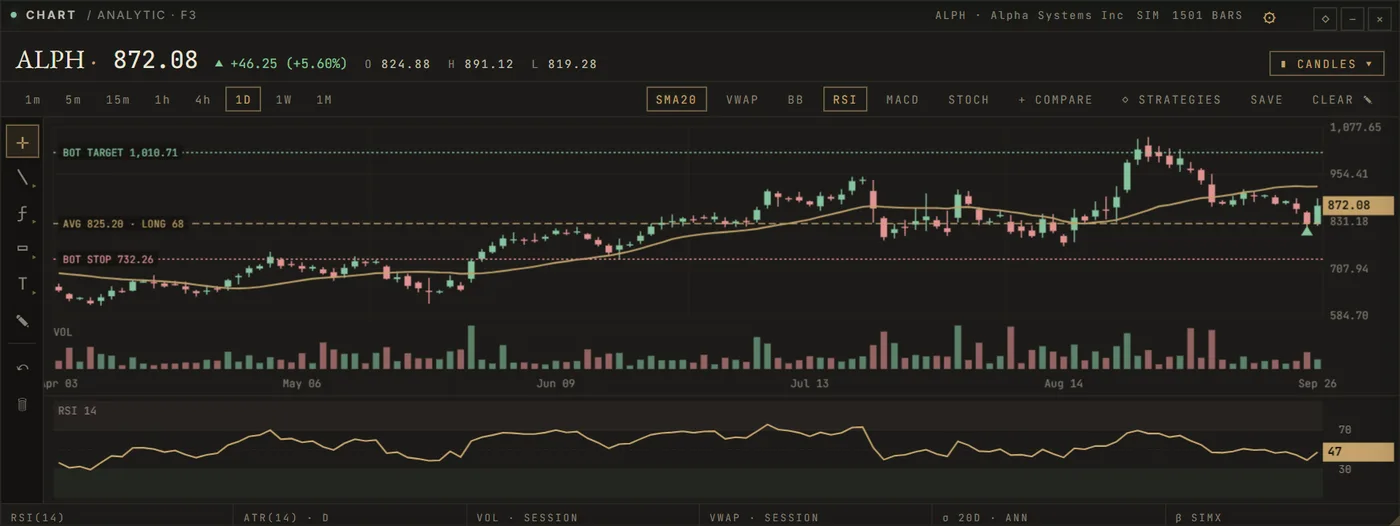
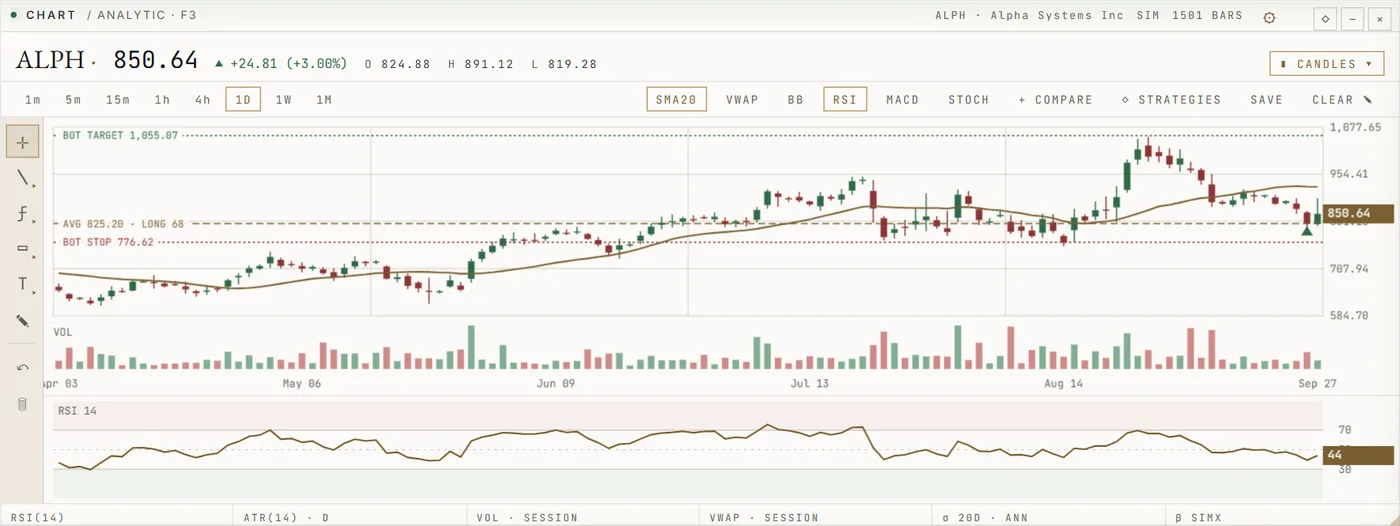
01 · Charting
Your entry, the bot's stop and its target are drawn on the price itself, with volume, indicators and your own drawings beneath.
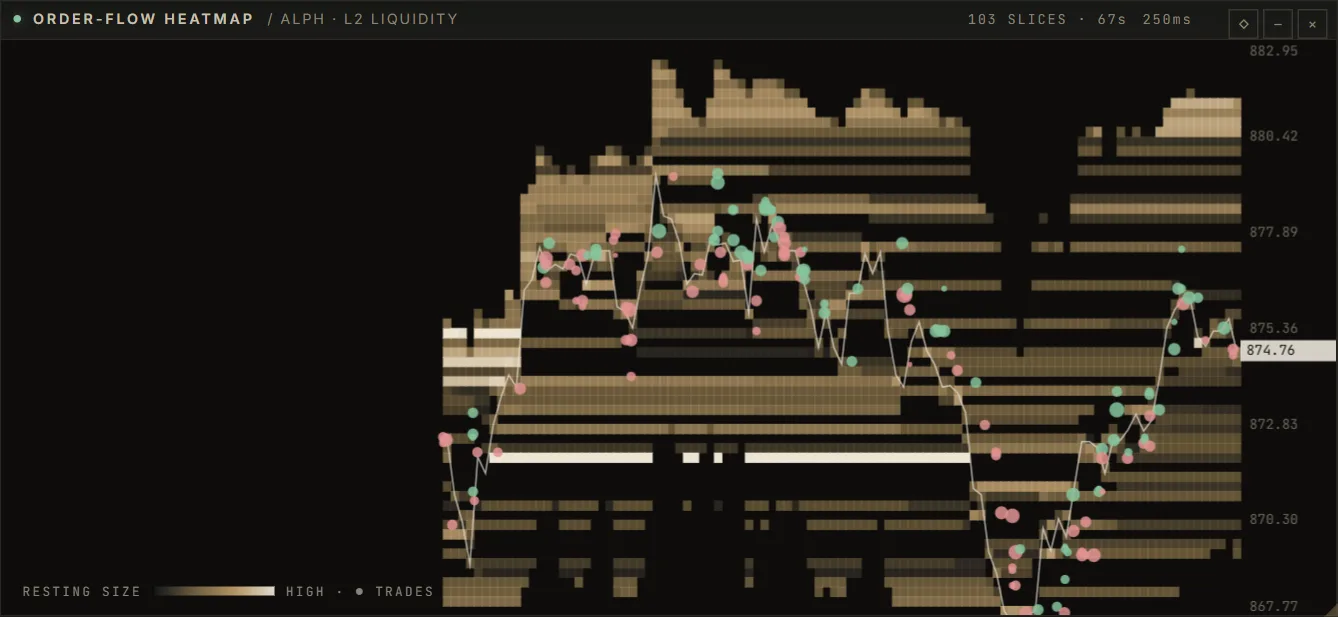
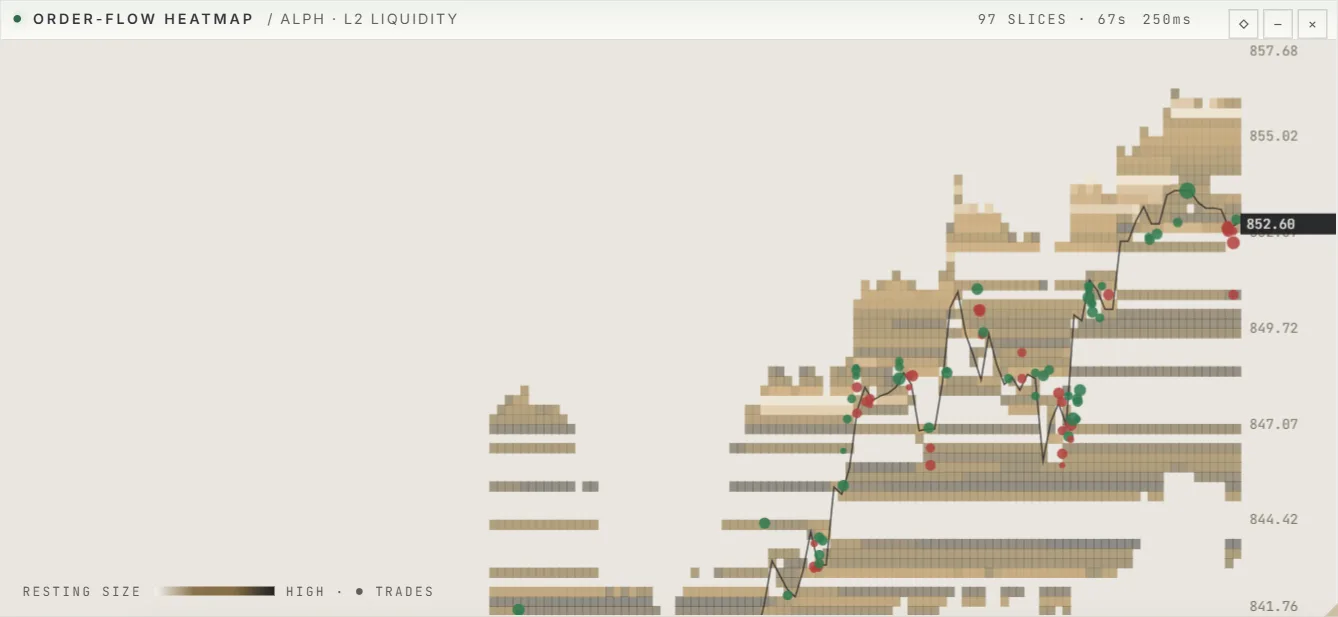
02 · Order flow
Resting liquidity as a heatmap, cumulative delta and the tape — from live venue data where it exists, from the simulator where it does not, and always labelled.
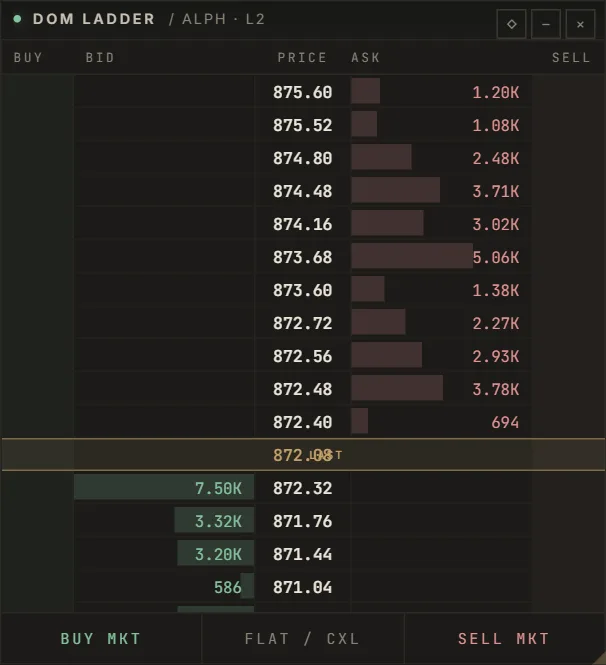
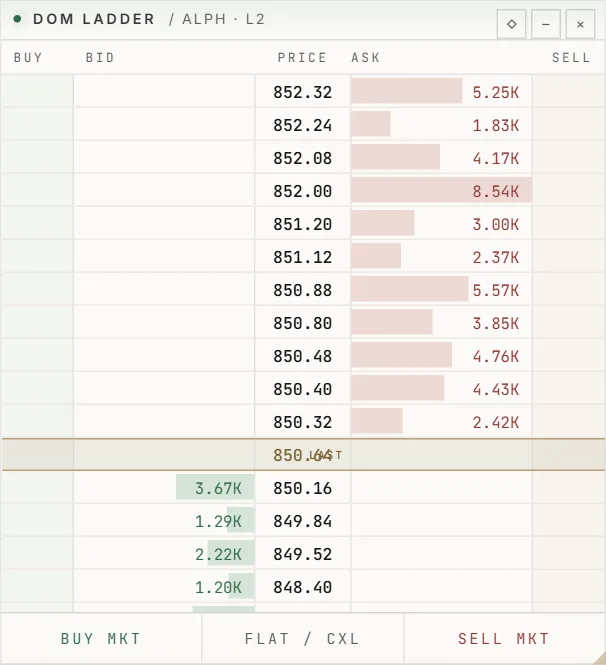
03 · Trading desk
Every order — paper today — passes the same pre-trade risk checks before it reaches the book.
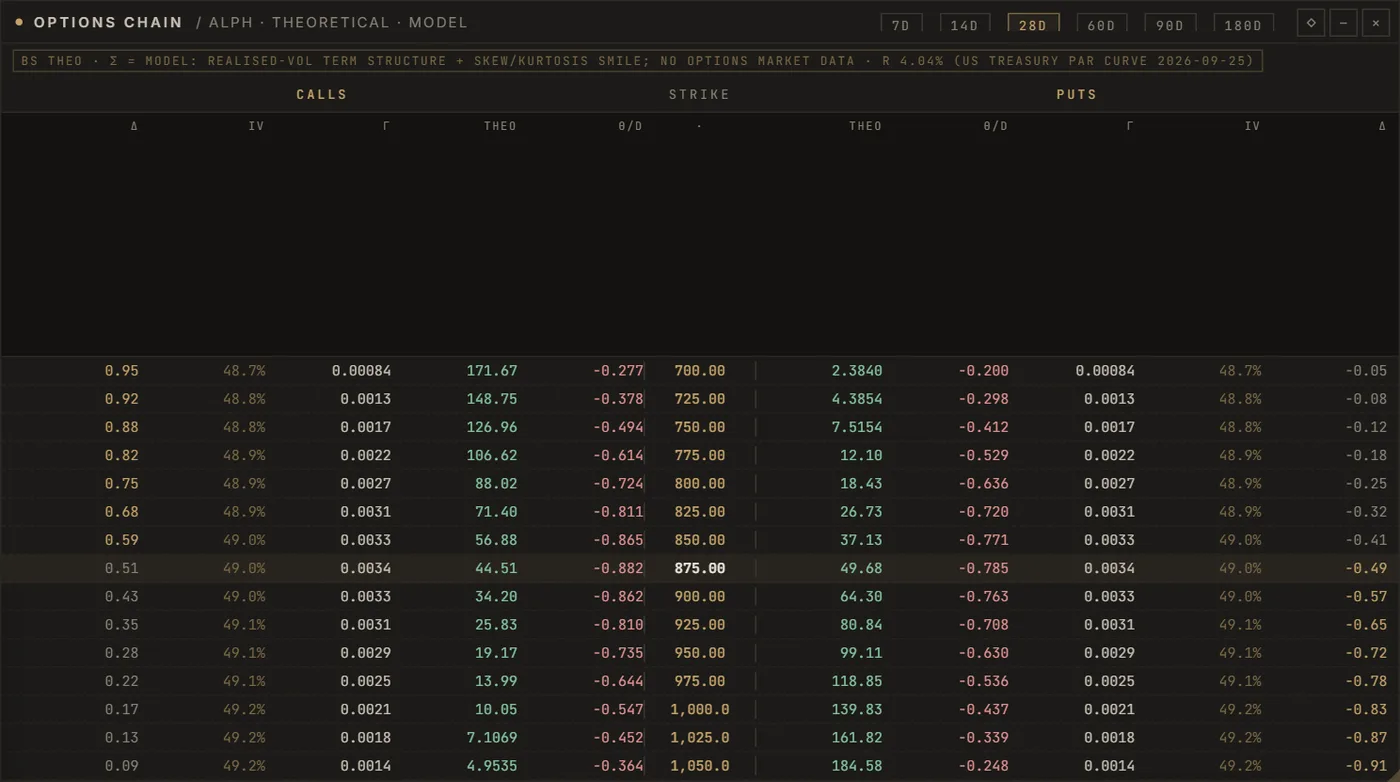
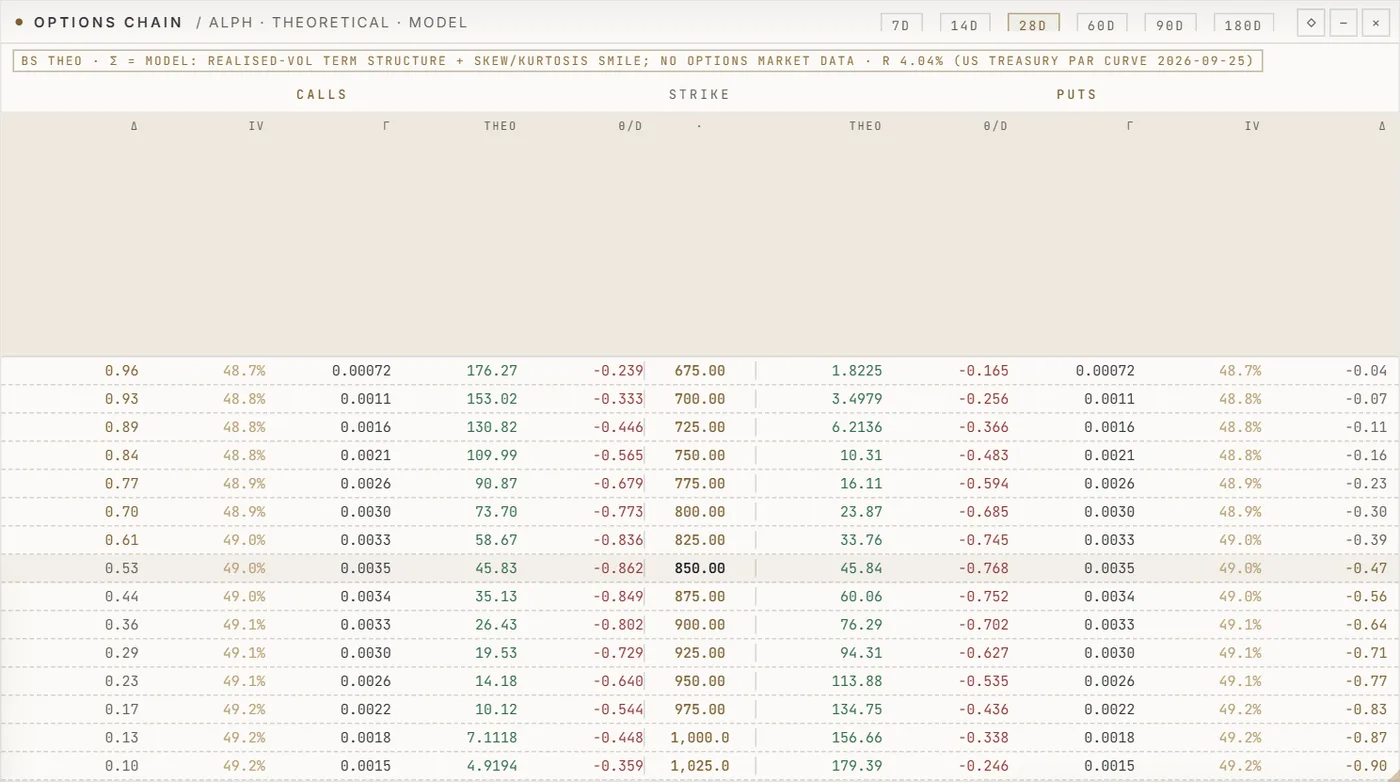
04 · Research
Options chains with theoretical values, correlation across the book and Monte-Carlo cones for any strategy.
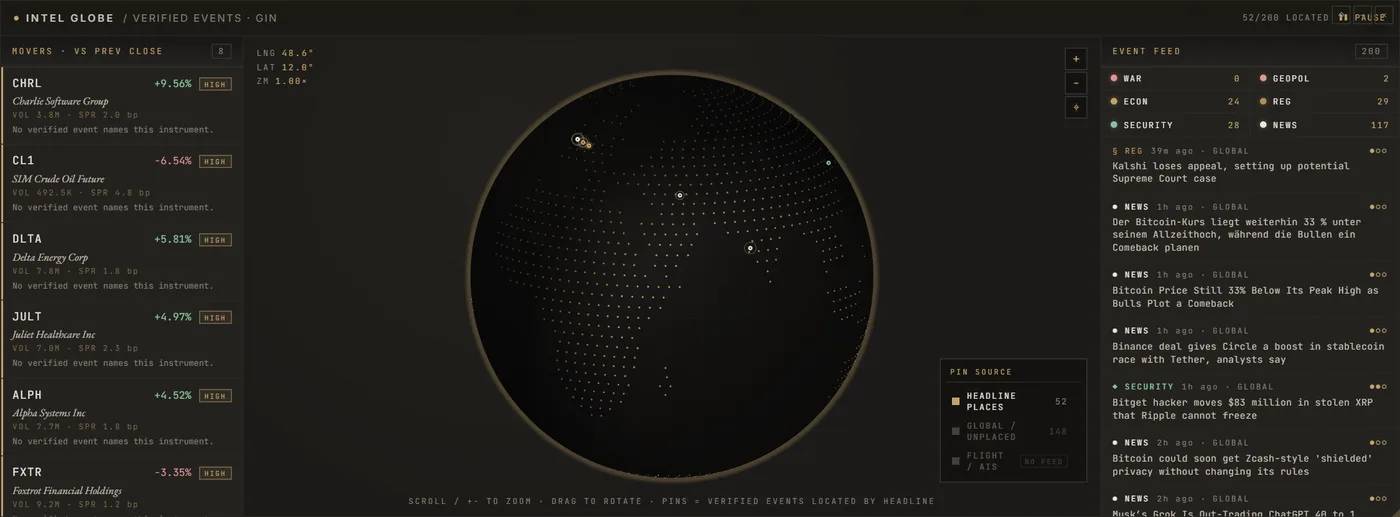
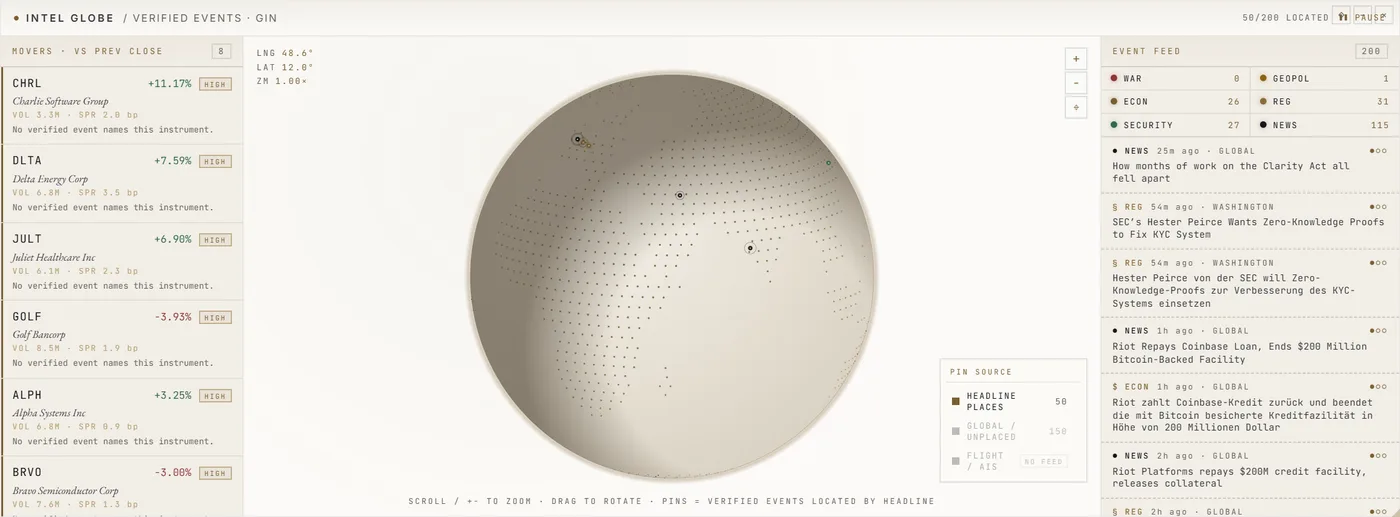
05 · Intelligence
Verified events placed on a globe and a calendar, each with its source and confidence. News can lower risk; it can never place a trade.
06 · Markets
World clocks, market status, a markets board by asset class and the flows between them.
07 · Command
Ctrl + K reaches every instrument, panel, strategy and command. Function keys open the panels you use most.
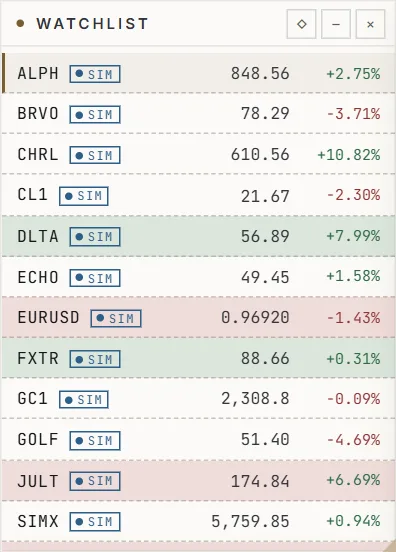
This window is the terminal's data as this server sees it at this moment: the watchlist, the featured instrument and the co-pilot's notes with their sources. The full desk opens in the terminal — in the browser, or in the desktop app.
Waiting for the feed.
Notes appear once there is enough data to say something true.
Every desktop build on the download page lists its version, size and SHA-256 checksum. Paper trading by default; live trading stays locked. Nothing here is investment advice.
A trading tool is only worth the trust you can put in it. These are the rules SwiftTrade is built on — when something is uncertain, it stops instead of guessing.
Passwords are stored as memory-hard scrypt hashes. Two-factor sign-in with an authenticator app and recovery codes; every session is listed and can be signed out.
API keys are encrypted on the server (AES-256-GCM) and never sent back to the browser — you only ever see the last four characters. Keys that can withdraw funds are refused for live accounts.
SwiftTrade starts in paper mode. Live execution needs the operator's server switch and a typed confirmation for each session, and the emergency stop is always one click away.
The co-pilot and the news engine can inform you and can lower risk. Neither can place an order.
Sign-ins, security changes, broker connections and every change of the trading bot's mode are written to an append-only, hash-chained log.
Signs in through your browser, so it never sees your password, and talks only to the server you choose.
Binance Spot — on the testnet first. The key is checked with the exchange before it is saved, and you can test or remove the connection at any time. More venues follow.
The first chapter
is only beginning.
It started as a dream of working for myself in finance. It will be built the way it started: step by step, in the open, and saying plainly what exists and what is still to come.
Paper trading, research, risk and the terminal — in the browser and in the desktop app.
Signed installers for Windows, macOS and Linux, more broker connections, and live execution locked behind approvals.
A mobile companion for alerts, positions and the co-pilot.
Trading for others — only once SwiftTrade holds the licence that requires — and technology that can work at an institutional level.
Questions, ideas, or an interest in what is being built — every message is read.